
How To Check & Fill Engine Oil Level

Materials Required
- Full synthetic engine oil (0W-40 or 5W-30 recommended)
Overview
This guide will show you how to properly check and fill your engine oil to the correct level using BMW’s electronic oil level system.
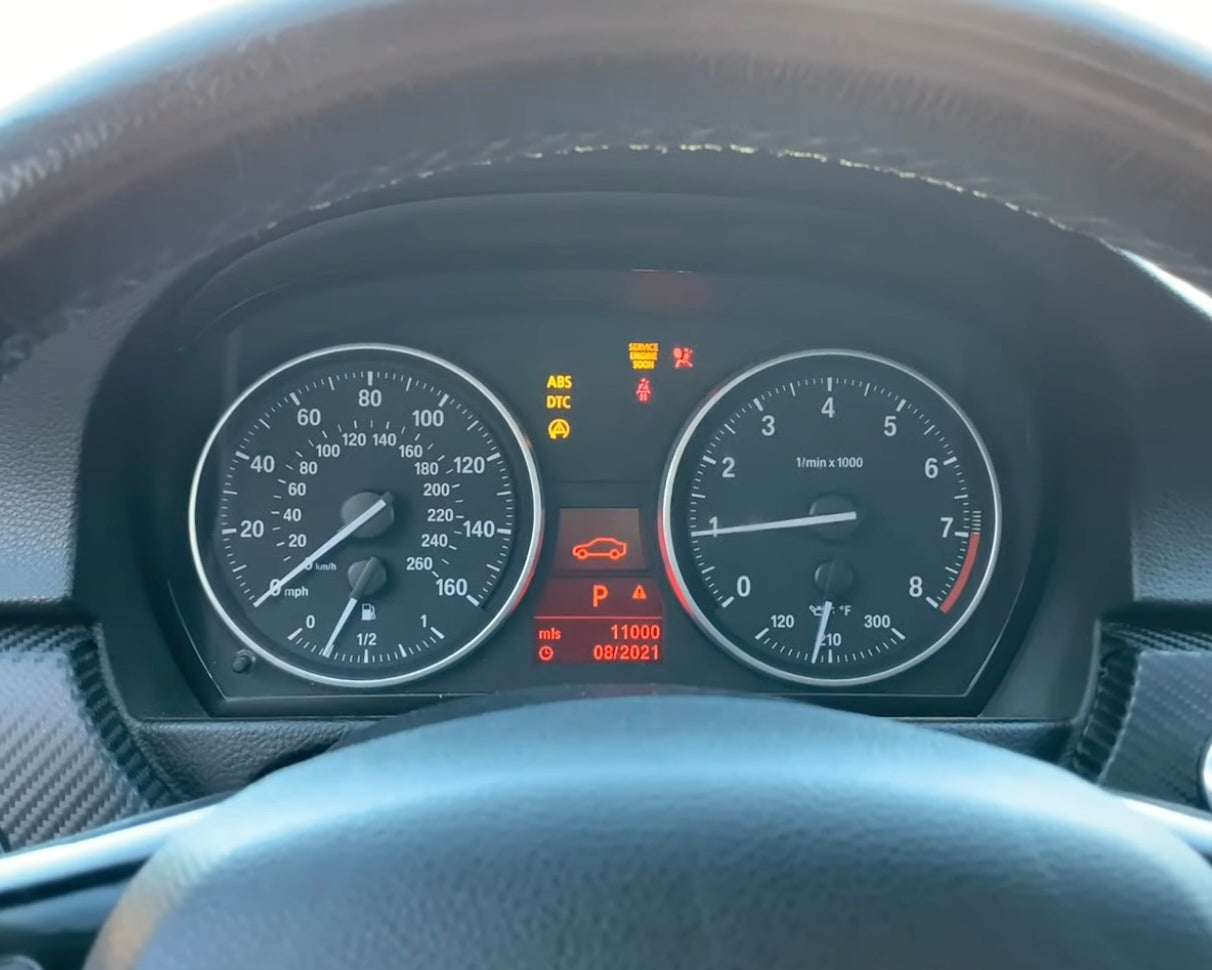
Start Engine
Start your vehicle's engine.

Navigate Settings
Navigate the gauge cluster's settings by pressing the BC button.

Navigate to 'Oil' Setting
Navigate to the 'Oil' menu in the settings.
NOTE
If engine oil level is at the 'MIN' (minimum), add oil until centered. If screen reads +1 qt, add a quart of oil.

If Adding Oil is Needed...
Turn off the vehicle engine and unscrew the engine oil cap counter-clockwise to unlock it.

Add Oil
Slowly add oil into the engine ensuring you're careful not to spill any.

Start Engine
Start your vehicle's engine.
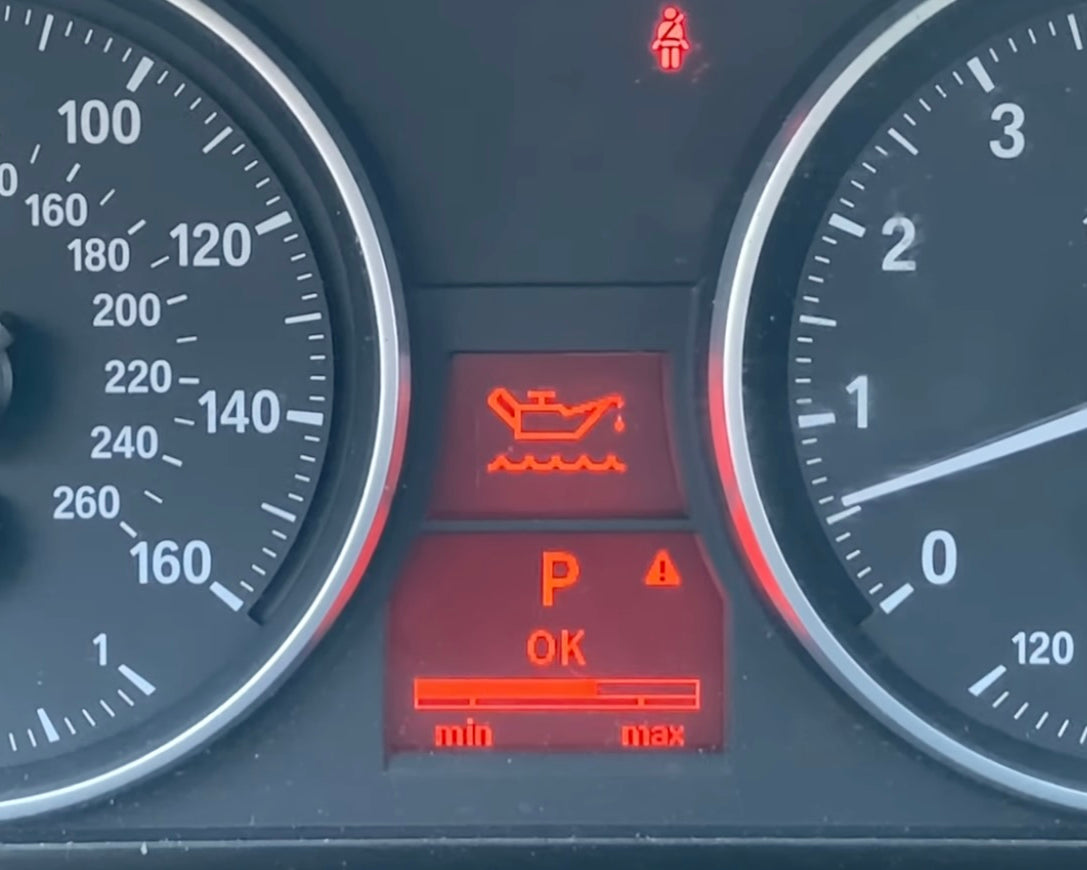
Check Engine Oil Level
Use the BC button to navigate back to the oil menu and allow engine to run until oil level is displayed. The meter should preferably be fully centered.
Test Start Vehicle
With the cooling system filled and bled, test start the vehicle's engine. Allow to idle for roughly 5 minutes while inspecting for coolant leaks.
DIY Complete!
Good job topping up! Be sure to keep an eye on your oil level for any possible oil leaks.